Arduino Software
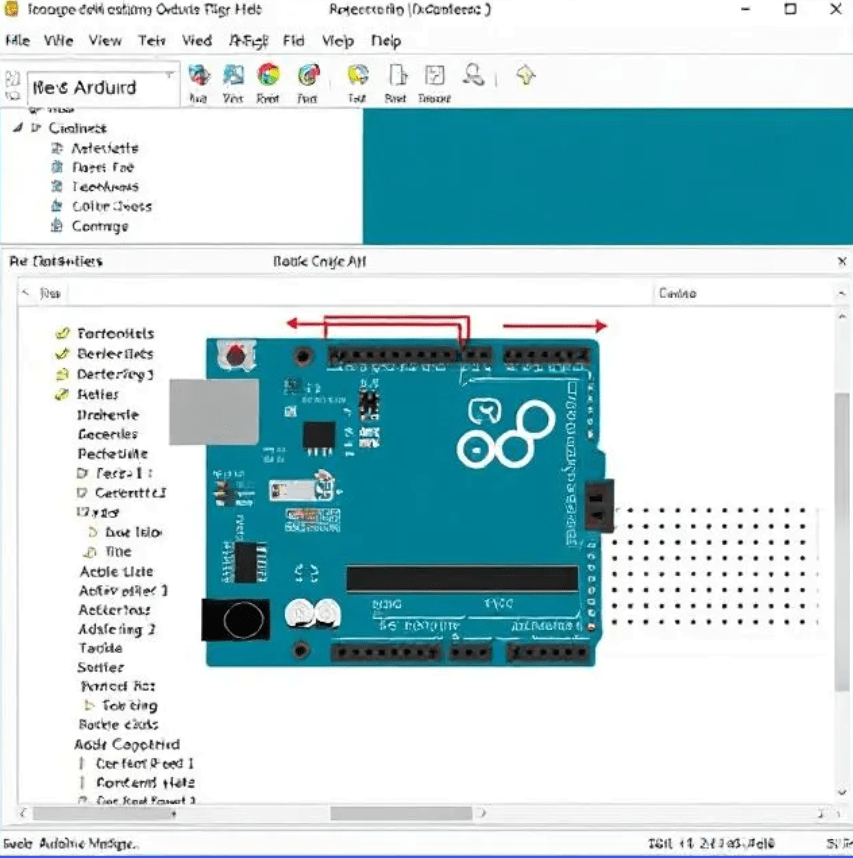
This serves as the backbone of the Arduino ecosystem – a platform designed to make working with electronics more accessible. It includes the Arduino IDE (Integrated Development Environment), which allows you to write, compile, and upload code to Arduino microcontroller boards.
Here’s a bit more about this amazing piece of green tech.
- Used for Data Collection – Arduino is brilliant for building custom sensors and devices that gather real-world data – like temperature, humidity, motion, light, sound, and more. This makes it a low-cost and customizable alternative for creating datasets in physical environments.
- Used for Pre-processing at the Edge – While it’s not powerful enough for deep analytics, Arduino can be programmed to do basic data filtering or event detection before sending data to a computer or cloud platform. It’s like having a mini gatekeeper that decides what’s worth logging.
- Used for IoT + Data Science – Combine Arduino with Wi-Fi or Bluetooth modules (like ESP8266 or ESP32), and boom – you’re in the world of the Internet of Things (IoT). Data collected by your device can stream directly to online dashboards or data platforms for analysis using Python, R, or cloud-based machine learning tools.
- Used for Teaching & Prototyping – It’s also used in education and prototyping. Arduino can help data science students and enthusiasts understand how data is sourced and why data quality matters—before it even enters a spreadsheet or model.
Arduino itself doesn’t do the data science, it’s a great companion for gathering high-quality, real-world data that fuels meaningful analysis.
Arduino – Data Visualization project ideas
1st Idea – Environmental Monitoring Dashboard
What it does: Collects temperature, humidity, air quality (e.g., using DHT22 + MQ135 sensors) and visualizes it in real time.
Visualization Tools
- Processing: Create dynamic graphs and animations.
- Arduino Cloud: Build a web-based dashboard with widgets.
- Serial Plotter: For quick, real-time waveform-style plots.
2nd Idea – Energy Usage Tracker
What it does: Monitors power consumption using a current sensor (like ACS712) and visualizes usage trends.
Visualization Ideas:
- Line graphs for daily/weekly usage.
- Color-coded alerts for high consumption.
- Predictive trends using moving averages.
3rd Idea – Brainwave or Heart Rate Visualizer
What it does: Uses a heart rate sensor (like MAX30100) or EEG module to track biometric data.
Visualization Ideas:
- Pulse wave animation synced with heartbeat.
- Stress level indicators.
- Real-time BPM gauge.
4th Idea – Smart Agriculture Dashboard
What it does: Tracks soil moisture, light levels, and temperature in a garden or greenhouse.
Visualization Tools:
- Heatmaps of soil moisture zones.
- Growth trend timelines.
- Alerts for watering or shading.
5th idea – Motion & Gesture Visualizer
What it does: Uses an accelerometer/gyroscope (like MPU6050) to track movement or gestures.
Visualization Ideas:
- 3D orientation model.
- Gesture recognition heatmaps.
- Activity timelines.
If you’re into coding visuals, Processing with Arduino is a great combo for interactive art or scientific displays. Or for a more plug-and-play approach, Arduino’s in-house cloud dashboard allow you to build sleek interfaces without much hassle.
Thanks for reading!
 Yun.Bun
Leave a comment